
Download PDF Professional Suite – Powerful PDF editor, viewer and presenter
Overview
PDF Professional Suite is a comprehensive PDF tool designed for professionals, students, and casual users who need a reliable, secure, and feature‑rich environment for handling PDF documents. Whether you need to view a contract, edit a report, merge several invoices, or transform a PDF into a dynamic slideshow, this application provides an all‑in‑one solution. The suite’s intuitive interface lets you open, annotate, and sign PDFs in seconds, while its advanced editing engine supports text replacement, image insertion, and form field manipulation without sacrificing file integrity.
One standout feature is the Presentation Mode, which converts any PDF into a polished, click‑through presentation with customizable transition effects—ideal for business pitches or classroom lectures. PDF Professional Suite is regularly updated to stay compatible with the latest operating systems and security standards, ensuring that your documents remain protected against malware and data leaks. The app is available for Windows, macOS, Android, and iOS, giving you the flexibility to work on a desktop, laptop, or mobile device.
By offering a free trial and a reasonably priced perpetual license, PDF Professional Suite balances affordability with professional‑grade capabilities, making it a top choice for anyone who frequently works with PDF files.
Key Features
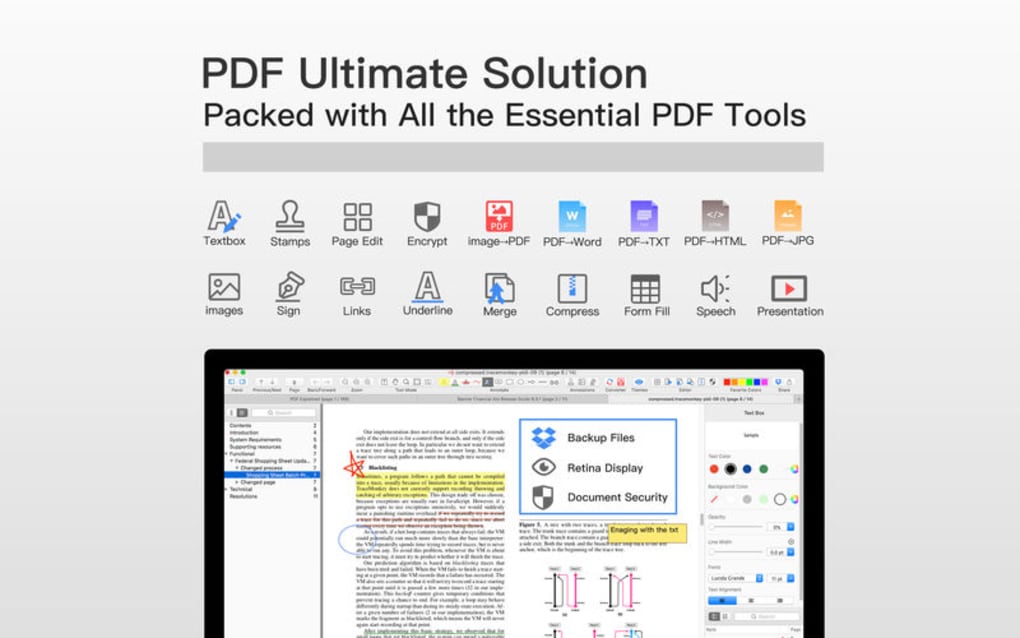
- Full‑Featured PDF Viewer – Smooth scrolling, zoom, and thumbnail navigation for quick document access.
- Advanced Editing Tools – Add, delete, or modify text and images; edit vector graphics; manage fonts and colors.
- Presentation Mode – Turn any PDF into a slideshow with transition effects, auto‑advance, and speaker notes.
- Form Creation & Filling – Design interactive forms, add checkboxes, radio buttons, and collect digital signatures.
- Secure Encryption – Apply AES‑256 encryption, set passwords, and control printing or copying permissions.
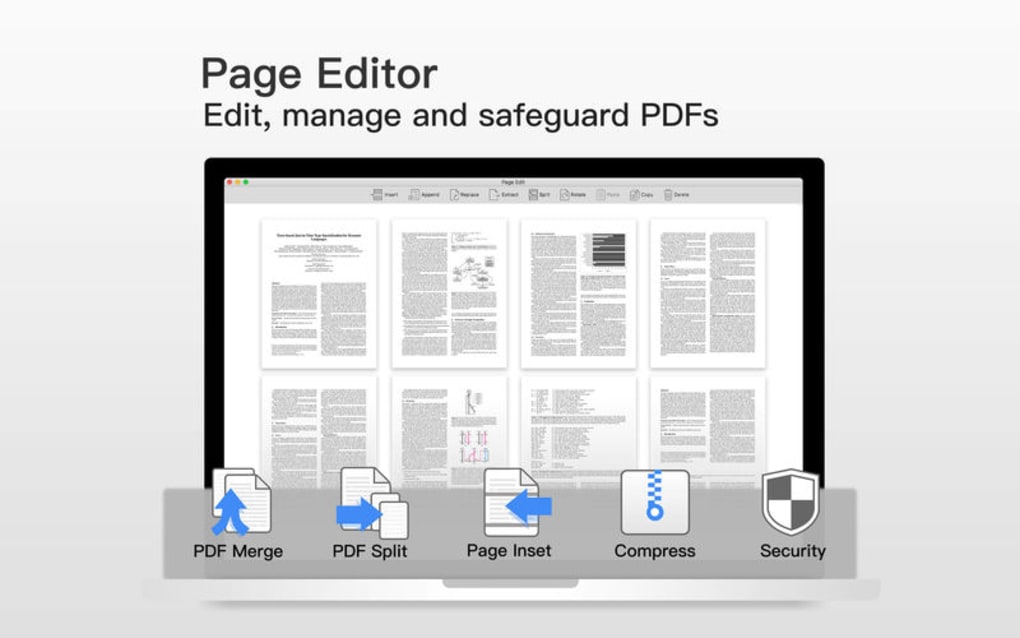
- Batch Processing – Merge, split, or compress multiple PDFs in a single operation to save time.
- Cloud Integration – Directly open and save files from Google Drive, Dropbox, OneDrive, and iCloud.
- OCR (Optical Character Recognition) – Convert scanned images into searchable, editable text.
- Cross‑Platform Sync – Seamless experience across Windows, macOS, Android, and iOS devices.
- Automatic Updates – Receive free updates that add new tools, improve performance, and patch security issues.
Installation, Usage & Compatibility
Downloading PDF Professional Suite is straightforward. Visit the official website, click the Download button that matches your operating system, and save the installer to your computer or mobile device. The Windows installer is a .exe file, macOS uses a .dmg, Android provides an .apk, and iOS users can install directly from the App Store. After launching the installer, follow the on‑screen prompts: accept the license agreement, choose the installation folder (or default location), and let the wizard copy the necessary files. The process typically takes less than three minutes on a modern PC or smartphone.
Once installed, launch PDF Professional Suite from the desktop shortcut or app drawer. The first run triggers a brief tutorial that highlights the main toolbar icons—View, Edit, Annotate, and Present. To open a PDF, click the File → Open menu or drag the file onto the application window. Editing begins by selecting the Edit tab, where you can click any text block to modify its content or insert new images via Insert → Image. For presentations, choose Presentation Mode from the top menu; the app will automatically generate slide thumbnails and allow you to set transition speed, loop options, and speaker notes.
PDF Professional Suite runs on Windows 10/11 (64‑bit), macOS 12 Monterey and later, Android 8.0+ (ARM & x86), and iOS 13+. The software is optimized for both Intel/AMD and Apple Silicon processors, ensuring smooth performance on the latest hardware. Minimum system requirements include 2 GB RAM, 200 MB free disk space, and a graphics card supporting OpenGL 3.3 or higher. For mobile devices, a minimum of 1 GB RAM and Android/iOS version as noted above is required. The application also supports high‑DPI displays, providing crisp icons and text on Retina and 4K screens.
Pros, Cons & Frequently Asked Questions
Pros
- All‑in‑one solution eliminates the need for multiple PDF tools.
- Presentation Mode saves time by converting PDFs into slides without extra software.
- Strong security features protect sensitive documents.
- Cross‑platform support ensures consistent workflow on desktop and mobile.
- Regular free updates keep the app current and secure.
Cons
- Full feature set requires a paid license after the trial period.
- Advanced OCR may be slower on older hardware.
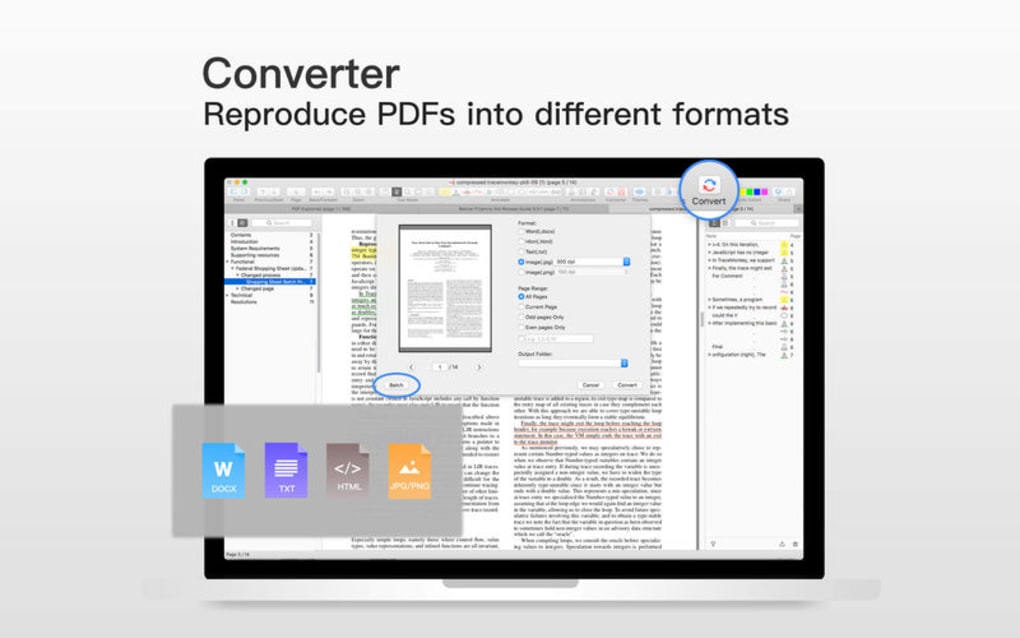
- No built‑in PDF to Word conversion (requires third‑party add‑on).
Frequently Asked Questions
Is PDF Professional Suite free to use?
The software offers a 14‑day free trial with full functionality. After the trial, you need to purchase a license to continue using the premium features.
Can I open password‑protected PDFs?
Yes. PDF Professional Suite can open and edit password‑protected files as long as you provide the correct password.
Does the app support cloud storage services?
Integrated cloud support includes Google Drive, Dropbox, OneDrive, and iCloud, allowing you to open, edit, and save directly from the cloud.
Is OCR available on the mobile version?
OCR is fully functional on Android and iOS, though processing speed depends on the device’s CPU and RAM.
How often are updates released?
The development team releases major updates every 3–4 months, with minor patches and security fixes as needed.
After testing PDF Professional Suite on Windows 11 and an iPad Pro, I found the interface remarkably consistent across platforms. The Presentation Mode saved me hours of work when converting a 30‑page project brief into a client‑ready slideshow. While the price point is higher than some free alternatives, the security, OCR accuracy, and seamless cloud integration justify the investment for power users.
Conclusion & Call to Action
PDF Professional Suite stands out as a robust, secure, and versatile PDF tool that addresses the everyday needs of professionals, educators, and students. Its blend of editing power, presentation capabilities, and cross‑platform availability makes it a worthy investment for anyone who works with PDFs on a regular basis. By choosing PDF Professional Suite, you gain a single, reliable app that eliminates the hassle of juggling multiple utilities, keeps your documents safe, and helps you present information with confidence.
Ready to experience the full potential of your PDF workflow? Download PDF Professional Suite today, start your free trial, and discover how effortless PDF editing and presenting can be. Don’t miss out on the regular updates that keep the software secure and compatible with the latest operating systems.







